


The Bet Tracker is the tool you use to record the bets you place, monitor the money held across sportsbooks and ProphetX, and analyze your overall results over time.
It is the natural companion to the other NinjaBet tools. You can use it to track Matched Betting, SureBet, Middles and ValueBet activity in one place. When you place an operation using a NinjaBet tool, you can save the related bets into the Bet Tracker. You can also add bets manually whenever you need to record an operation that was not created directly from another tool.
The Bet Tracker is organized into three main areas:
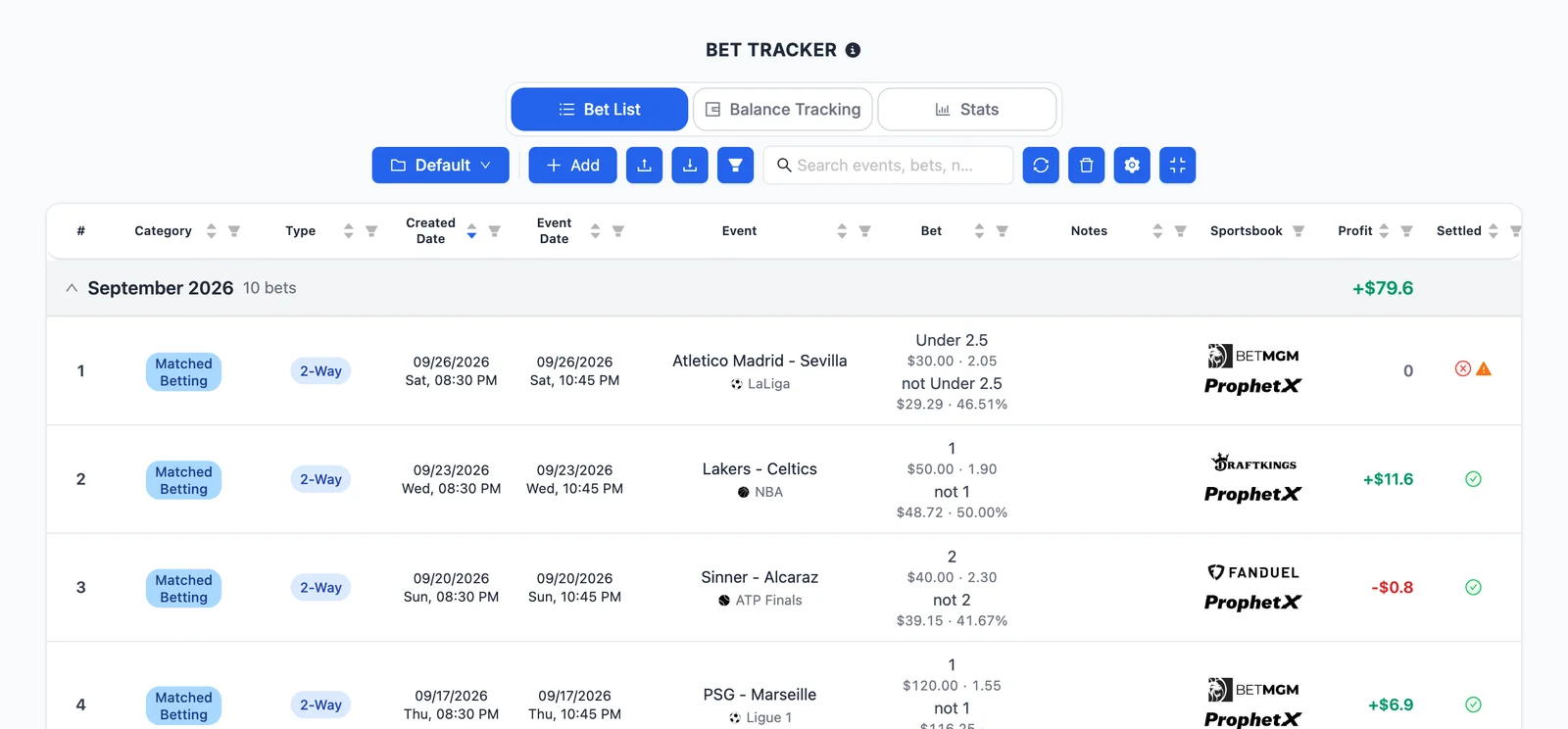
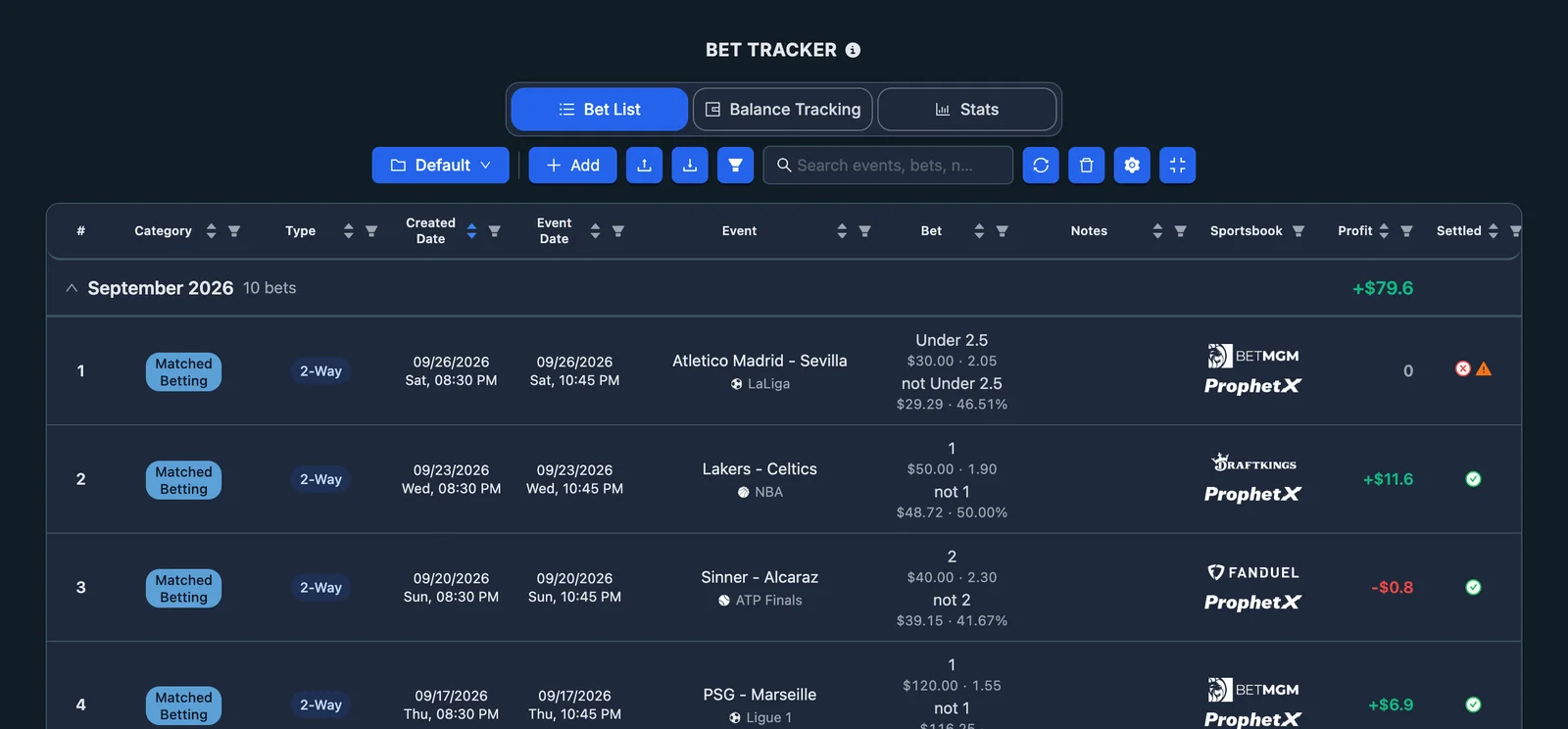
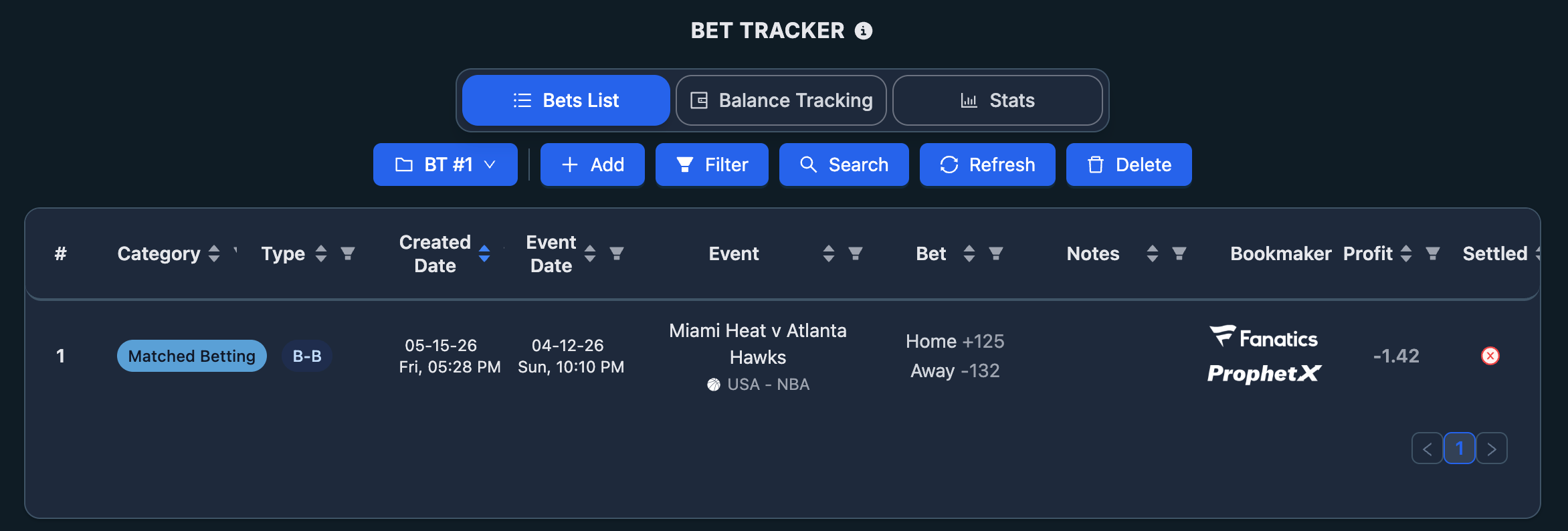
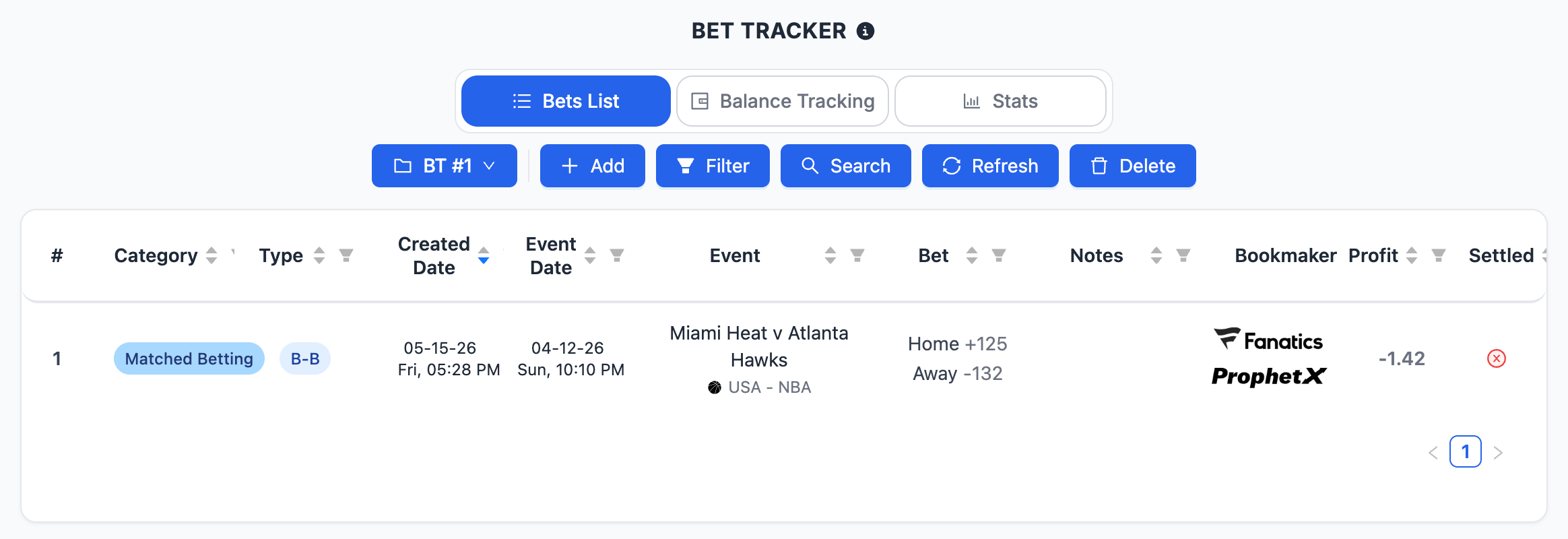
- Bets List — where every saved bet appears, together with its category, type, result and status.
- Balance Tracking — where you monitor deposits, withdrawals and balance movements across sportsbooks and ProphetX.
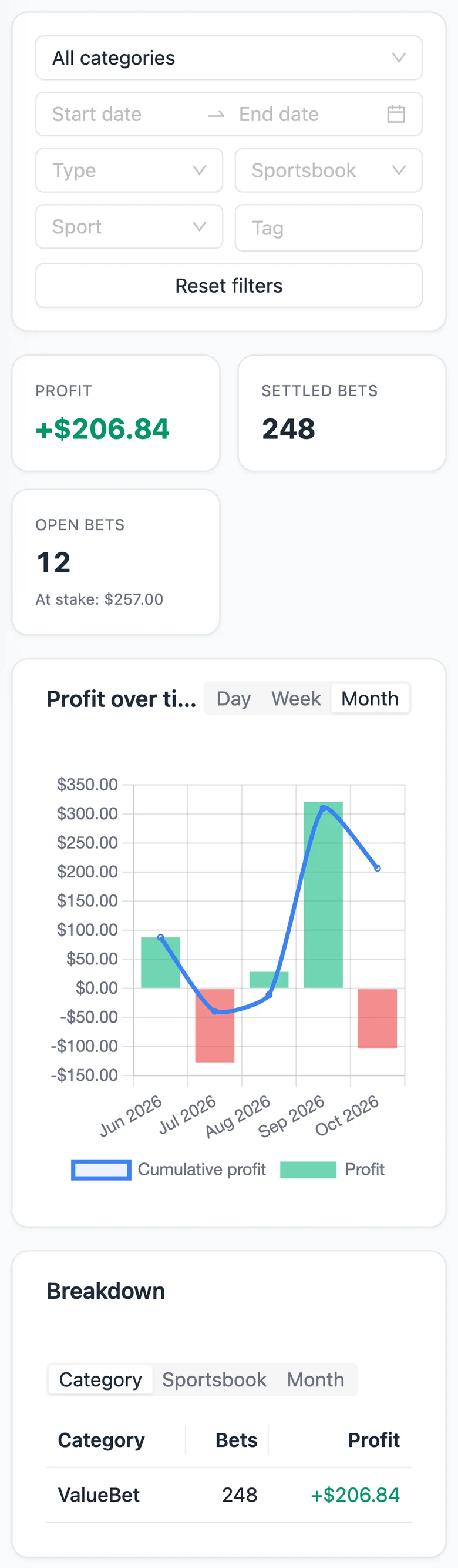
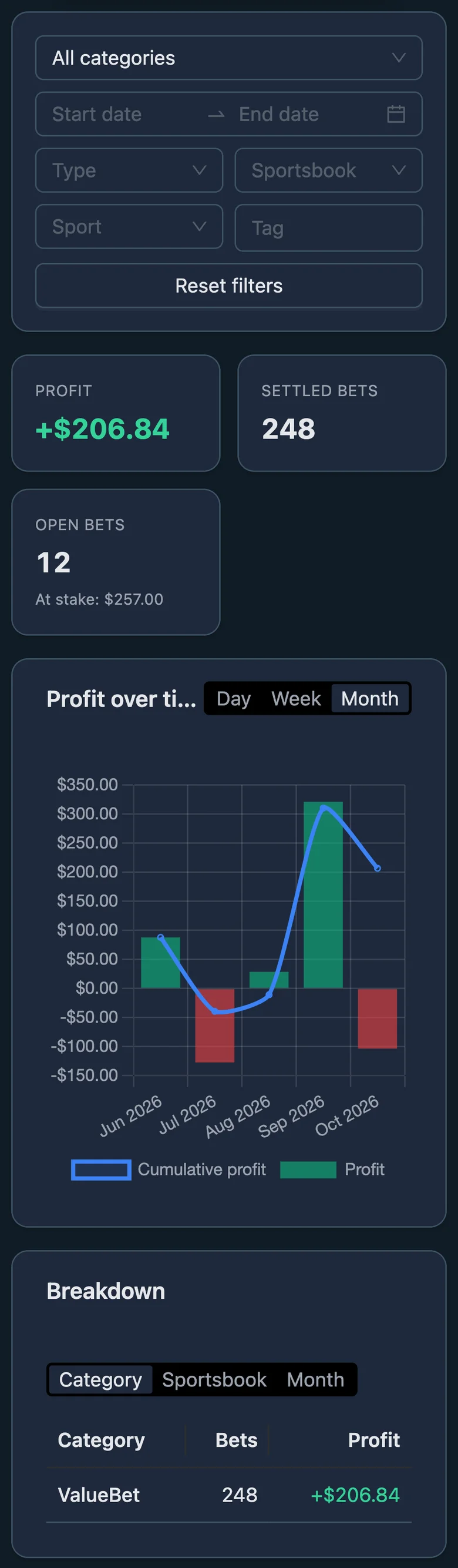
- Stats — where you review profit summaries, monthly results, daily results and performance by category.
Used consistently, the Bet Tracker becomes the main record of your betting activity and the best way to understand your real performance over time.
When to Use the Bet Tracker
The Bet Tracker is useful whenever you want to:
- Record a Matched Betting operation.
- Record a SureBet or Middle operation.
- Record a ValueBet.
- Save an operation created with another NinjaBet tool.
- Add a bet manually when it was not created from a tool.
- Keep track of bets that are still pending.
- Settle completed bets and record the real final profit or loss.
- Monitor the balance of each sportsbook and ProphetX account.
- Record deposits and withdrawals.
- Review your profit by day, month, category or activity group.
You should add bets to the Bet Tracker as soon as you place them, not only after they have settled. This way, the tool reflects the real state of your activity, including open bets that are still pending.
How the Bet Tracker Works
The Bet Tracker is built around a simple logic. Each saved bet becomes a recorded entry containing the relevant information about the operation, such as:
- Category and type.
- Event and market.
- Selection.
- Sportsbook or ProphetX.
- Odds and stake.
- Notes, when needed.
- Settlement status and final profit.
A bet can be:
- Pending — the event has not finished yet, or the result has not yet been entered.
- Settled — the final outcome has been recorded and the profit or loss is confirmed.
The Bet Tracker then uses this information in two ways:
- It updates your Balance Tracking, showing how money moves in and out of each account.
- It updates your Stats, so your results are reflected in the profit summaries and performance charts.
When the bet is settled, the Bet Tracker calculates the final result based on the information entered.
How to Use the Bet Tracker Step by Step
1. Open the Bet Tracker
Open the Bet Tracker from the side menu, or via the corresponding icon in the top right corner. At the top of the tool you will see three main tabs:
- Bets List
- Balance Tracking
- Stats
2. Choose the Group
Use the group selector to choose where the bet or transaction should be recorded.
3. Record Deposits and Withdrawals
Use the Balance Tracking tab to record deposits and withdrawals, so the account balances shown in the tracker match your real accounts.
4. Add the Bet
Save a bet directly from a NinjaBet tool.
5. Review the Saved Entry
Once saved, the bet appears in the Bets List. Check that the main details are correct, especially:
- Category.
- Type.
- Stake.
- Odds.
- Sportsbook or ProphetX.
- Event and selection.
6. Settle the Bet
When the event finishes, open the bet and settle it. The Bet Tracker then updates:
- The final profit or loss.
- The bet status.
- The related balances.
- The Stats dashboard.
7. Review Your Results
Use the Stats tab to analyze:
- Today’s profit.
- This month’s profit.
- Last month’s profit.
- Total profit.
- Monthly performance.
- Daily profit patterns.
- Results by category.
Groups
Groups let you organize your activity into separate workspaces. Each group keeps its own entries and balance view separate from the others. This makes the tracker easier to read and the Stats more useful.
When more than one group exists, the tool can also show an All view, allowing you to review the combined picture across every group.
You can manage groups from the group menu. Because groups are tied to the entries saved inside them, you should be careful before deleting one.
Categories and Bet Types
Categories
The available categories include:
- Matched Betting
- SureBet
- ValueBet
- Casino
- Trading
- Other
Matched Betting Bet Types
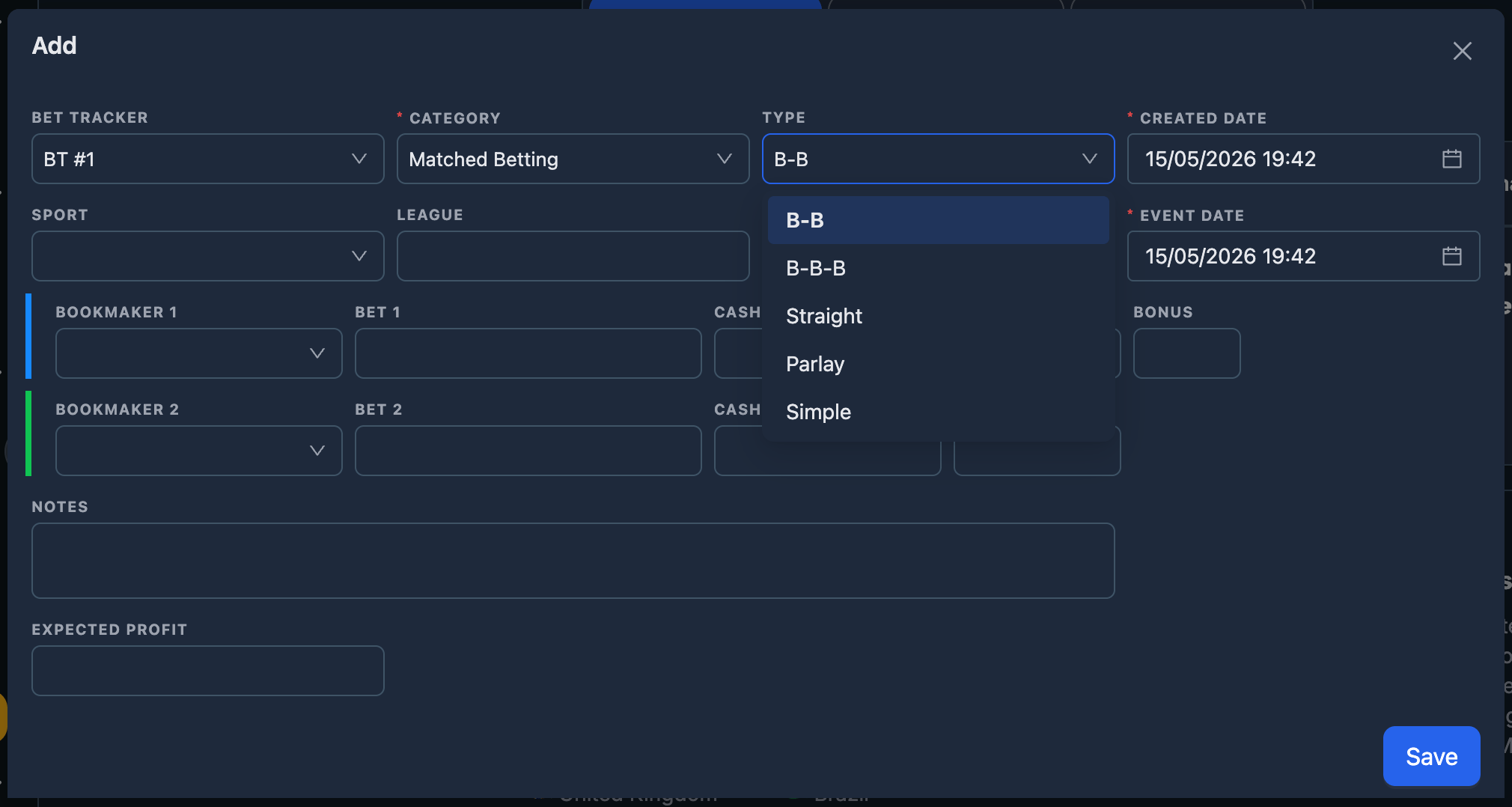
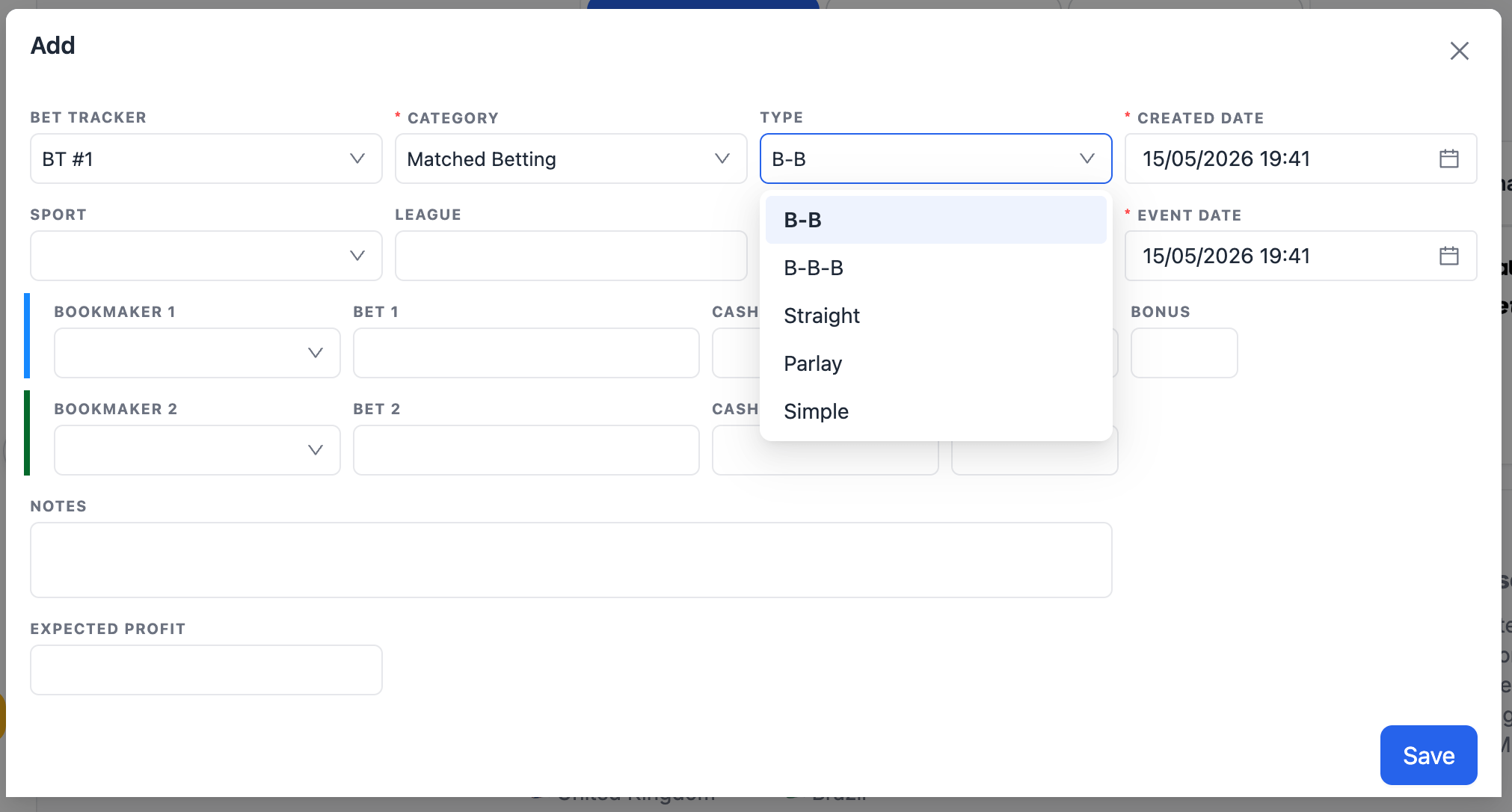
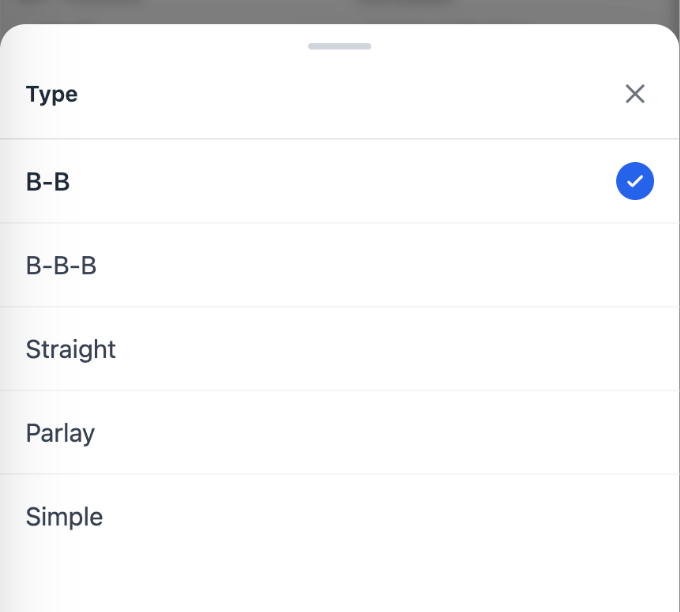
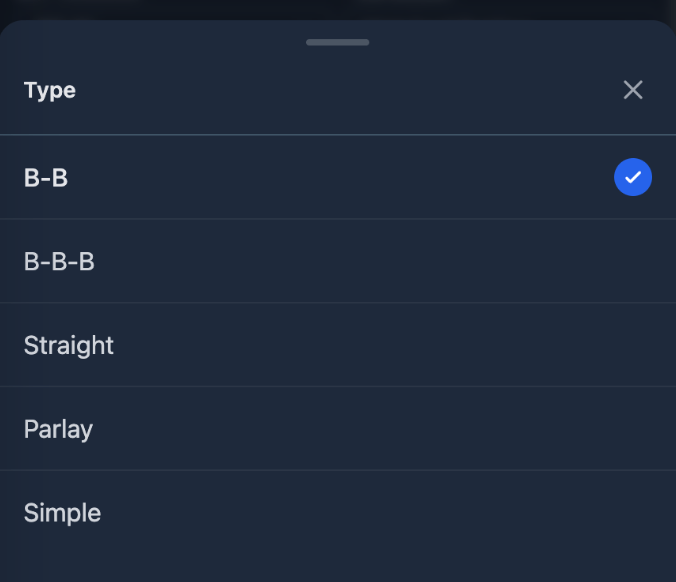
For Matched Betting, the available bet types include:
- Single — a single bet.
- B-B — one bet covered with an opposite bet at another sportsbook.
- B-B-B — three bets used to cover all available outcomes in a three-way market.
- Parlay — a multi-selection bet, such as the sportsbook parlay created through the Parlay Finder.
- Simple — a quick entry used to record a profit or loss directly, without entering the full details of a structured bet.
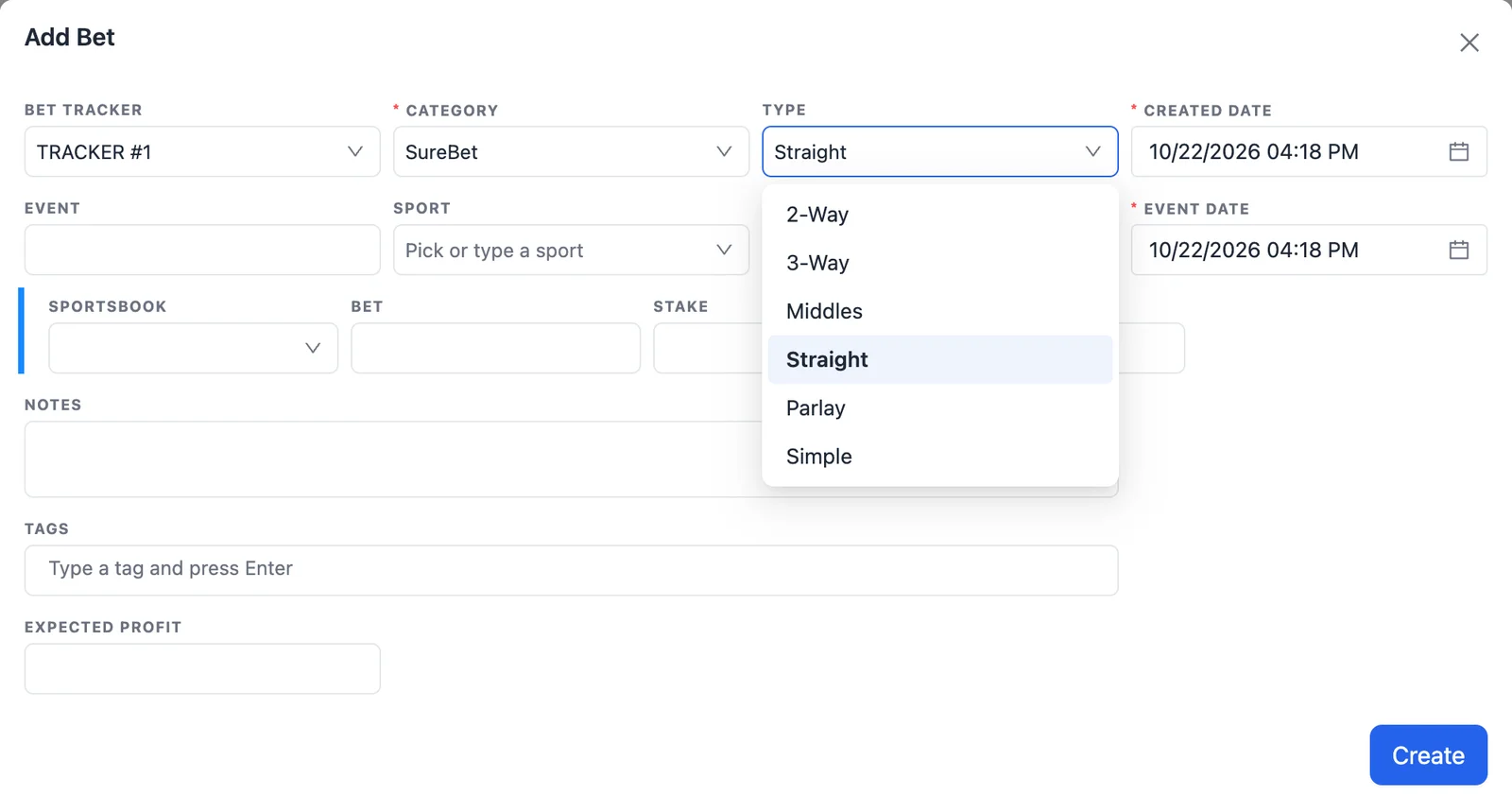
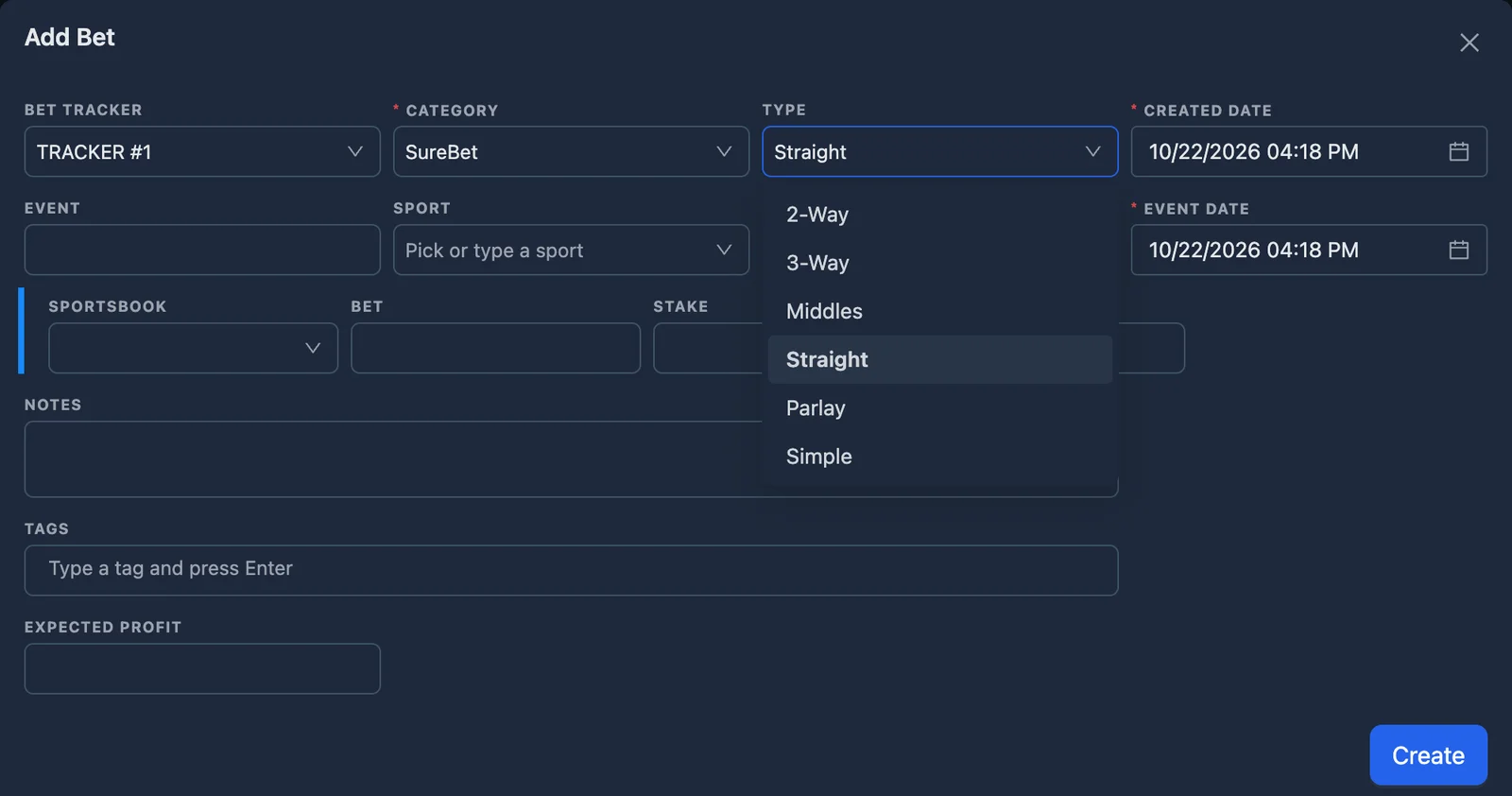
SureBet Bet Types
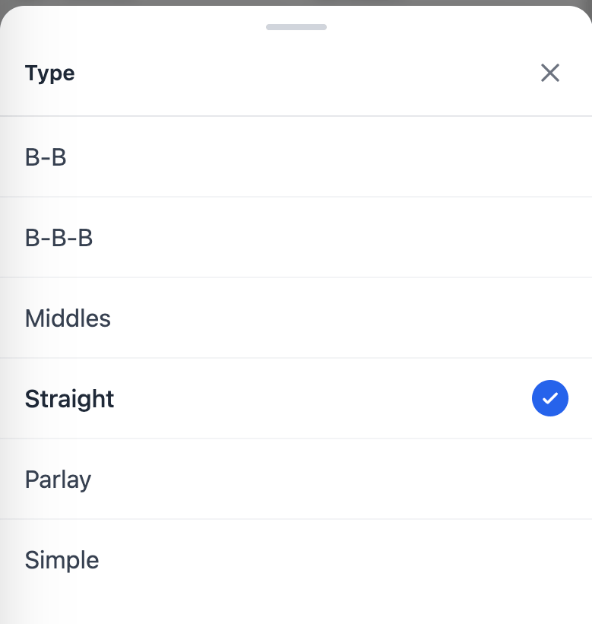
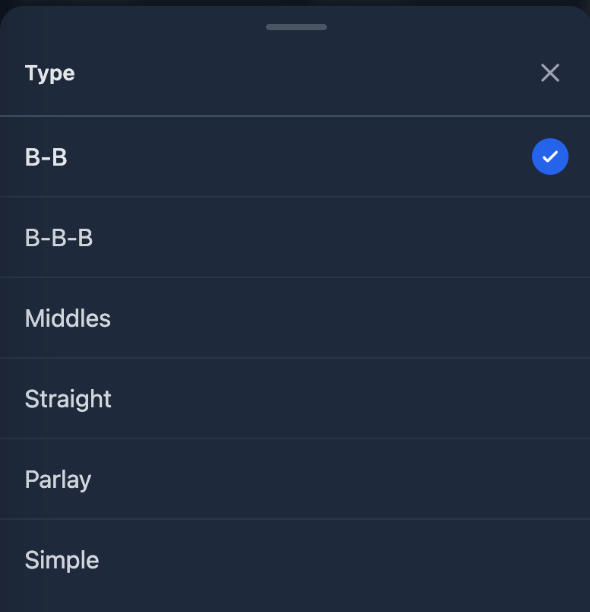
For SureBet, the available bet types include:
- B-B — one bet covered with an opposite bet at another sportsbook.
- B-B-B — three bets used to cover all available outcomes in a three-way market.
- Middles — two bets placed on different lines of the same event.
- Straight — a single bet.
- Parlay — a multi-selection bet.
- Simple — a quick entry used to record a profit or loss directly, without entering the full details of a structured bet.
ValueBet Bet Types
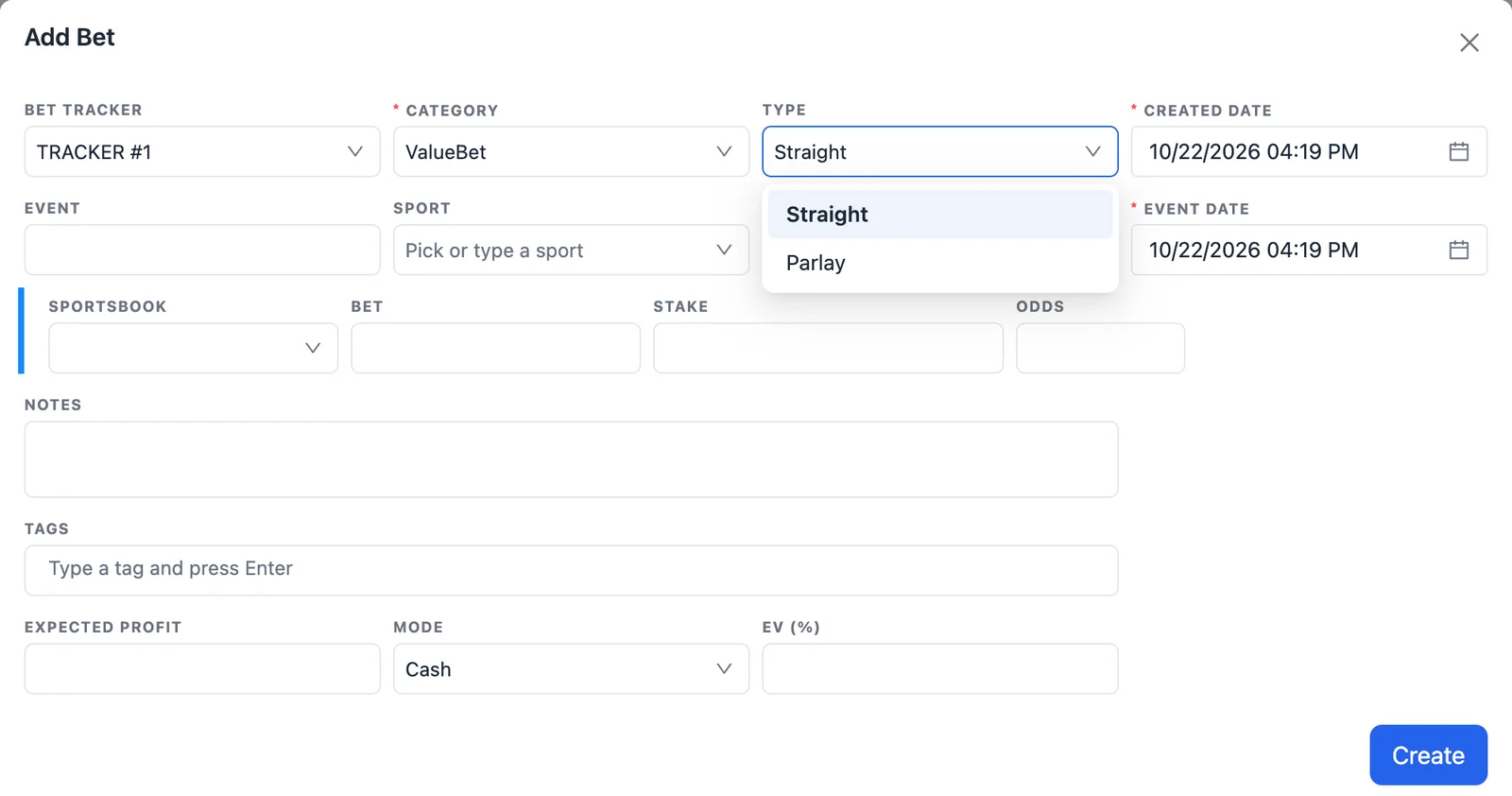
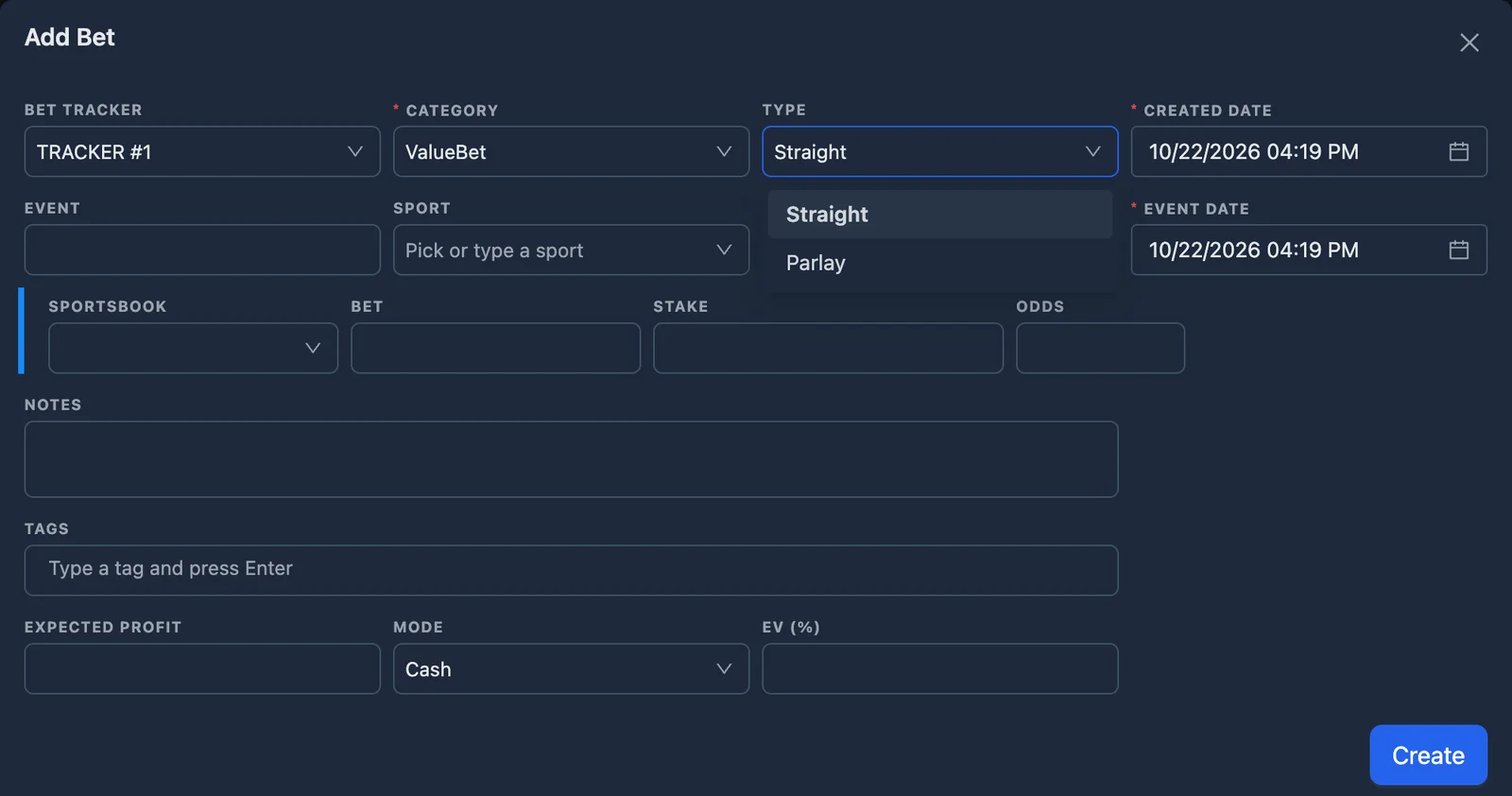
For ValueBet, the available bet types include:
- Straight — a single bet.
- Parlay — a multi-selection bet.
Adding Bets from Other Tools
You do not always need to add bets manually. Several NinjaBet tools can send the relevant betting data directly to the Bet Tracker.
Bet Finder
When you use the Bet Finder for a sportsbook-to-sportsbook hedge, the relevant bets can be saved into the Bet Tracker.
Parlay Finder
The Parlay Finder requires special attention because the parlay operation is managed in steps.
The parlay bet and the hedge bets are saved separately:
- The parlay placed at the sportsbook should be recorded.
- Each hedge bet placed leg by leg should also be recorded separately.
This matches the actual flow of the Parlay Finder and keeps the Bet Tracker aligned with the bets that were really placed during the operation.
Calculator
When you use the Calculator, some bet details may need to be completed manually before adding the operation to the Bet Tracker, such as the event, market, selection or sportsbook information.
SureBet Finder
When you use the SureBet Finder, the tool helps you find sportsbook combinations where all possible outcomes can be covered with a positive return. After placing the bets, record the operation in the Bet Tracker so you can track stakes, profit, balances and results.
ValueBet
When you use the ValueBet, the tool helps you find bets where the sportsbook odds are higher than the estimated fair value. After placing the bet, record it in the Bet Tracker so you can track the stake, odds, sportsbook, result and long-term performance. This is especially important for ValueBet because one individual result does not tell you much. The real value of the strategy is measured across many recorded bets over time.
Adding a Bet Manually
To record a bet manually, open the Bets List tab and click Add.
The form asks for the information needed to describe the operation correctly. Depending on the category and type selected, this may include:
- Group.
- Category.
- Bet type.
- Creation date of the bet.
- Event date and time.
- Sport, competition and event.
- Market and selection.
- Sportsbook or ProphetX.
- Odds and stake.
- ProphetX commission (2% on net winnings), where applicable.
- Optional notes.
- Expected profit.
The exact fields shown can change depending on the kind of bet or operation you are adding. A Matched Betting operation may require sportsbook and ProphetX information, a SureBet may require two or three bets across different sportsbooks, a Middle may require two overlapping lines, and a ValueBet may require only one sportsbook bet.
Before saving, make sure the details match the bet that was actually placed. Accurate data at this stage makes the Balance Tracking and Stats much more reliable later.
Settling Bets
A saved bet remains pending until you record the final result.
When the event finishes:
- Open the bet from the Bets List.
- Choose Settle Bet.
- Select the final outcome, such as Bet Won or Bet Lost.
- Review the payout amounts shown in the settlement form.
- Confirm the settlement.
If the bet was saved from another NinjaBet tool, the relevant payout values are already stored and automatically shown during settlement. You should simply check that they still match the real result, adjust them only if necessary, and then confirm the settlement.
The settlement form also shows:
- The Expected Profit calculated when the bet was originally saved.
- The Actual Profit based on the final outcome and the payout values used at settlement.
Once the bet is settled, the Bet Tracker:
- Calculates the final profit or loss.
- Updates the relevant balances.
- Marks the entry as settled.
- Includes the result in the Stats dashboard.
If you spot a mistake after settlement, you can edit the entry and correct it rather than leaving inaccurate data in the tracker.
Searching, Filtering and Reviewing Bets
As your Bet Tracker grows, the Bets List becomes more useful when you take advantage of its filters and search tools.
You can use these controls to quickly find:
- Pending bets.
- Settled bets.
- Entries from a specific category.
- Bets linked to a particular sportsbook or ProphetX.
- Bets related to a specific event or note.
- Entries from a particular date range.
- Specific Matched Betting, SureBet, Middle or ValueBet activity.
This is especially helpful when you need to:
- Settle several completed bets.
- Review a specific promotion.
- Check a sportsbook account.
- Investigate a profit or loss shown in the Stats tab.
Keeping the Bets List well organized makes the Bet Tracker much easier to use over the long term.
Balance Tracking
The Balance Tracking tab helps you understand how much money is currently held across your sportsbooks and ProphetX.
It combines:
- Manual balance movements, such as deposits and withdrawals.
- Bet-related movements, such as stakes and settlement effects.
The balance area allows you to:
- Review the overall balance.
- Focus on a specific sportsbook.
- See the effect of betting activity on each account.
- Compare the tracker with the real balances shown in your betting accounts.
This is particularly useful because profit and available balance are not the same thing. You may have open bets that are still pending, funds temporarily locked in unsettled bets, or recent deposits and withdrawals that affect the cash available in each account.
The Balance Tracking tab gives you a more complete view of your current position.
Recording Deposits and Withdrawals
To record a deposit or withdrawal, open the Balance Tracking tab and click Add.
Enter the required information, such as:
- Group.
- Sportsbook or ProphetX.
- Transaction type.
- Amount.
- Date.
- Optional notes.
Record:
- Deposits when you add money to a sportsbook or ProphetX.
- Withdrawals when you move money out of one of those accounts.
Once saved, the transaction becomes part of the balance history and updates the related account totals.
It is good practice to record these movements immediately. If deposits and withdrawals are missing, the Balance Tracking tab will eventually stop matching your real accounts.
Stats
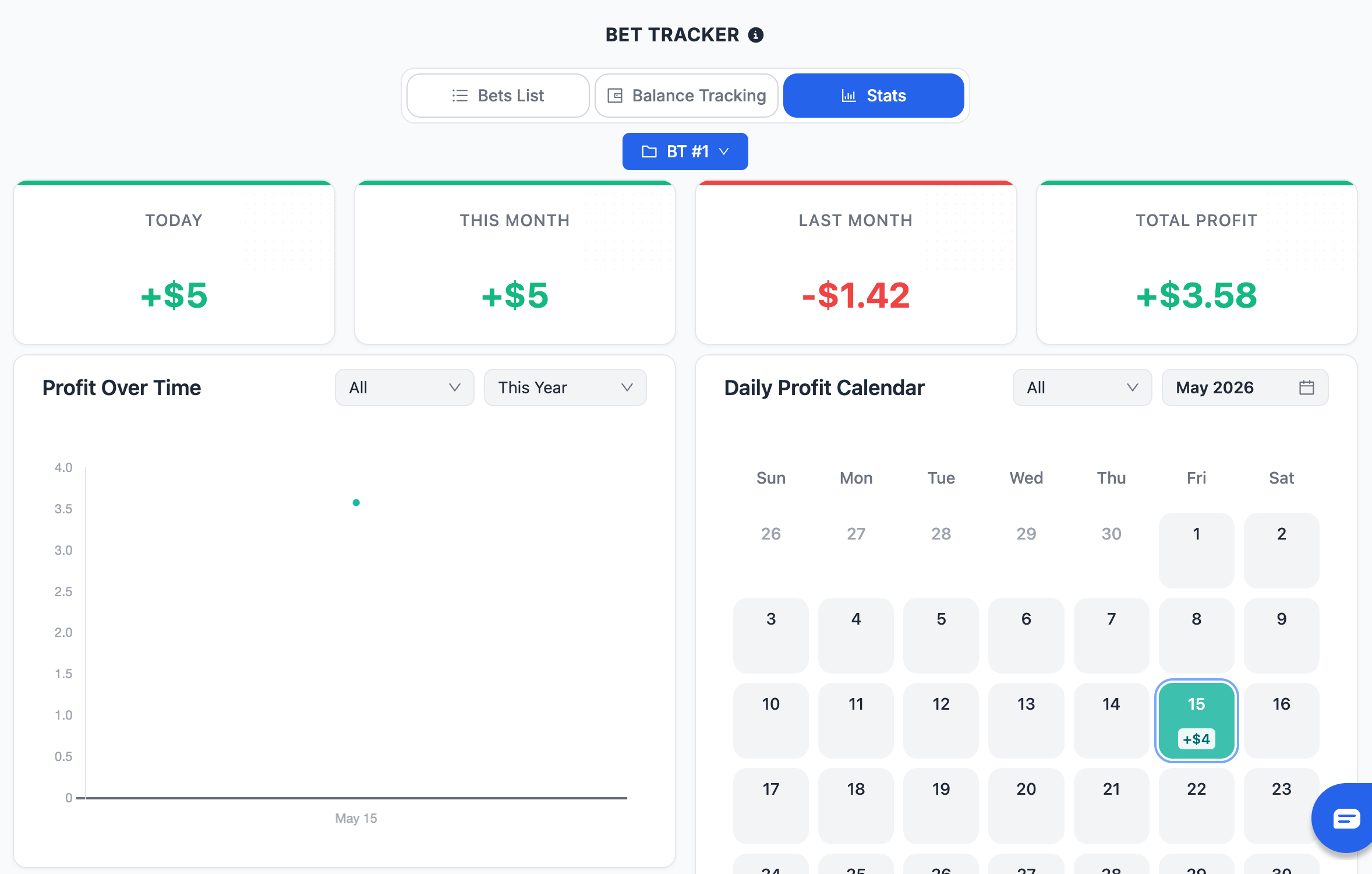
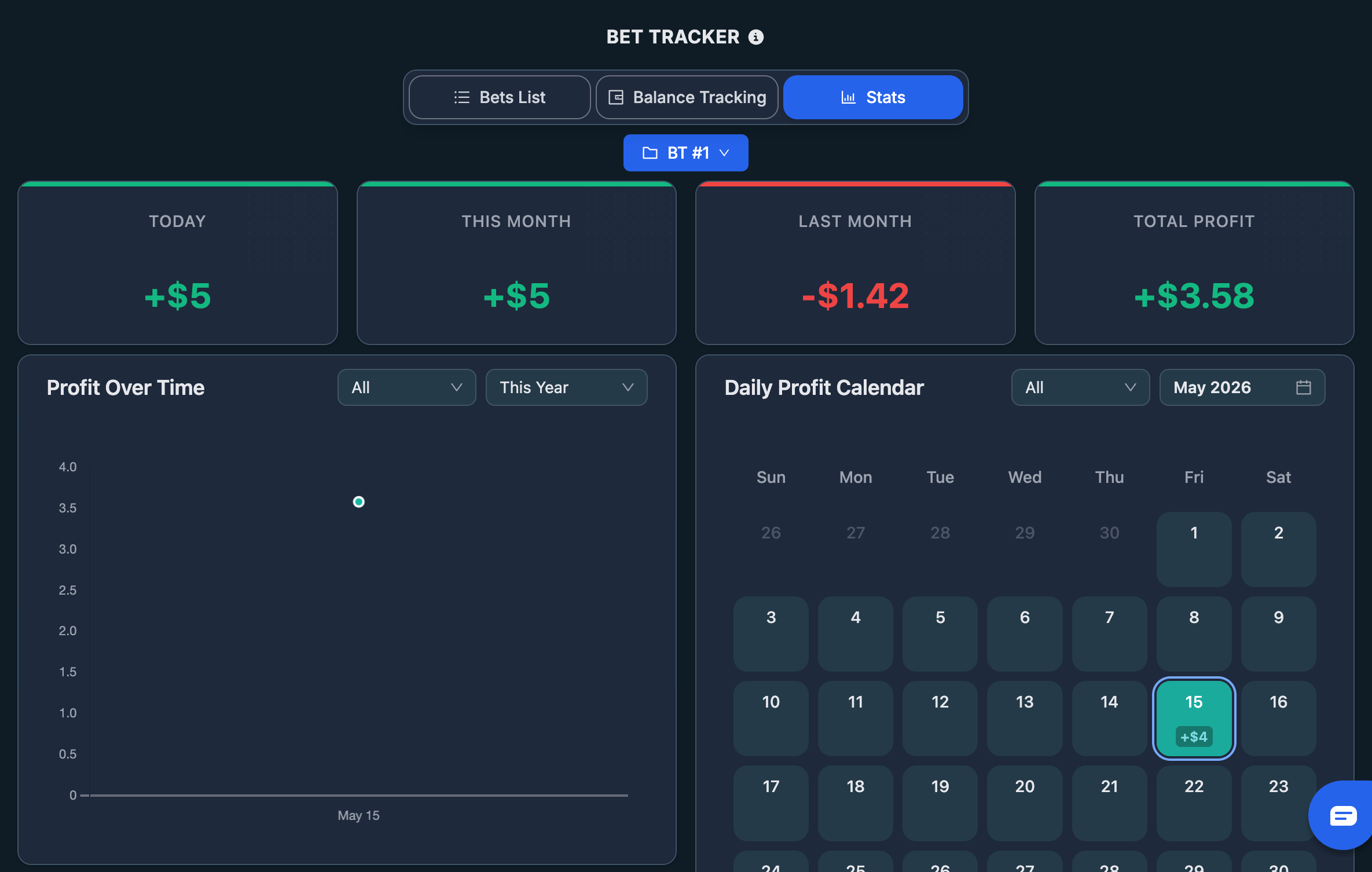
The Stats tab gives you a long-term view of your performance.
Profit Summary
At the top of the page, the summary cards show:
- Today
- This month
- Last month
- Total profit
These cards give you a quick snapshot of how your activity is performing.
Profit Over Time
The profit chart shows how your cumulative results develop over time. This is useful for understanding whether performance is improving, stable or becoming more volatile.
Monthly Profit
The monthly area helps you compare results across different months and identify stronger or weaker periods.
Monthly Results by Category
The monthly table separates performance by category, such as:
- MB.
- SB.
- VB.
- Casino.
- Trading.
- Other.
This makes it easier to understand which areas of your activity are producing the strongest results.
Daily Profit Calendar
The daily calendar shows profit by date, helping you spot:
- Strong days.
- Weak days.
- Clusters of activity.
- Periods with little or no recorded betting.
The Stats tab follows the selected group, so you can analyze one activity separately or view the overall picture.
Editing and Deleting Entries
You can edit saved entries when something needs to be corrected.
This is useful if:
- The wrong stake or odds were entered.
- A note needs to be updated.
- A sportsbook recalculates or voids a bet.
- A bet was settled incorrectly.
- A deposit or withdrawal was recorded with the wrong amount.
You can also delete entries when they should not exist at all. However, deletion should be used carefully because removing an entry can also affect the balances and historical statistics.
When possible, prefer editing an incorrect entry rather than deleting it and starting again. This keeps the Bet Tracker more stable and reduces the risk of accidentally removing useful information.
Example
Suppose you place a standard Matched Betting back-to-back operation, covering your sportsbook bet with an opposite bet at another sportsbook.
You:
- Open the Bet Tracker.
- Select the group where you want to record the operation.
- Click Add in the Bets List, or save the operation from the Bet Finder.
- Choose Matched Betting as the category.
- Choose the correct operation type, such as B-B.
- Enter or review the event, selection, sportsbooks, stakes and odds.
- Save the bet.
- The entry appears in the Bets List as pending.
- When the event finishes, open the entry and settle it.
- The Bet Tracker calculates the final result and updates:
- the bet status;
- the balances;
- the Stats dashboard.
Important Checks to Keep the Bet Tracker Accurate
Before relying on the Bet Tracker results, always make sure that:
- The bet was saved in the correct group.
- The correct category was selected.
- The bet type matches the operation actually placed.
- Stakes and odds are correct.
- The sportsbook or ProphetX is correct.
- The bet is settled once the result is known.
- Deposits and withdrawals have been recorded.
- Parlays and hedge bets have been saved separately.
- Entries are edited when mistakes are found rather than left inaccurate.
The Bet Tracker is only as reliable as the information recorded inside it. Keeping it updated turns it into a precise record of your betting activity and your actual performance.
Final Summary
The Bet Tracker is the tool you use to record, monitor and analyze your betting activity across the NinjaBet platform.
To use it correctly:
- Open the Bet Tracker and select the right group.
- Add every bet when it is placed, either manually or from another NinjaBet tool.
- Choose the correct category and bet type.
- Settle each bet once the final outcome is known.
- Record deposits and withdrawals in Balance Tracking.
- Use the Stats tab to review performance over time.
Used consistently, the Bet Tracker gives you a clear, reliable and complete view of your betting activity, your balances and your long-term results.
What's new in September 2026
In the first month of the new NinjaBet the Bet Tracker changed a lot and became a product of its own.
- Your sportsbooks and prediction markets: Manage my sportsbooks and Manage my prediction markets add the ones we do not list.
- Sports Betting: a new category for regular bets, with the sport.
- Stake type: mark every stake as Cash, Bonus, Bonus Bet or Cash + Bonus; with Bet Tracker Pro also Tags on every bet.
- 52 currencies, including 10 cryptocurrencies, with a Base currency in the Settings; bets in other currencies need Bet Tracker Pro.
- Import and Export as CSV or XLSX, from a computer.
- Advanced analytics: ROI, win rate, average odds, streaks and breakdowns.
- More order: monthly totals in collapsible sections, the profit in the site header and a flag on ended bets not settled yet; 4-, 5- and 6-outcome back-back bets from the Calculator arrive with the right winnings.
Bet Tracker Pro: every Premium plan includes the full tracker at no extra cost. Free accounts keep it with limits (30 new bets a month, 100 saved, one group, 3 custom sportsbooks); no bet is deleted. Alone it costs $4.99 a month or $39.99 a year: What is Bet Tracker Pro?.
When to Use the Bet Tracker
The Bet Tracker is useful whenever you want to:
- Record a Matched Betting operation.
- Record a SureBet or Middle operation.
- Record a ValueBet.
- Save an operation created with another NinjaBet tool.
- Add a bet manually when it was not created from a tool.
- Keep track of bets that are still pending.
- Settle completed bets and record the real final profit or loss.
- Monitor the balance of each sportsbook and ProphetX account.
- Record deposits and withdrawals.
- Review your profit by day, month, category or activity group.
You should add bets to the Bet Tracker as soon as you place them, not only after they have settled. This way, the tool reflects the real state of your activity, including open bets that are still pending.
How the Bet Tracker Works
The Bet Tracker is built around a simple logic. Each saved bet becomes a recorded entry containing the relevant information about the operation, such as:
- Category and type.
- Event and market.
- Selection.
- Sportsbook or ProphetX.
- Odds and stake.
- Notes, when needed.
- Settlement status and final profit.
A bet can be:
- Pending — the event has not finished yet, or the result has not yet been entered.
- Settled — the final outcome has been recorded and the profit or loss is confirmed.
The Bet Tracker then uses this information in two ways:
- It updates your Balance Tracking, showing how money moves in and out of each account.
- It updates your Stats, so your results are reflected in the profit summaries and performance charts.
When the bet is settled, the Bet Tracker calculates the final result based on the information entered.
How to Use the Bet Tracker Step by Step
1. Open the Bet Tracker
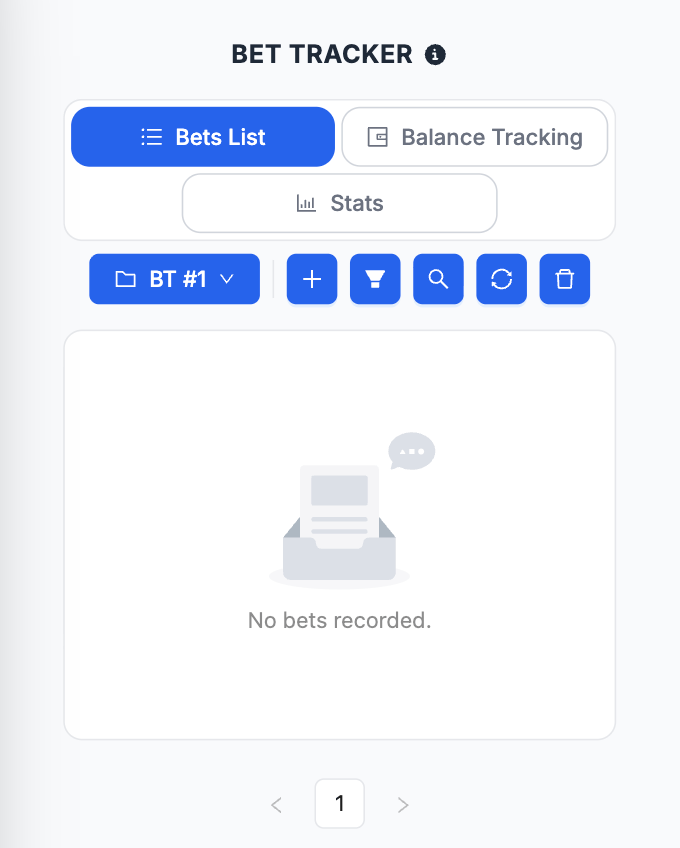
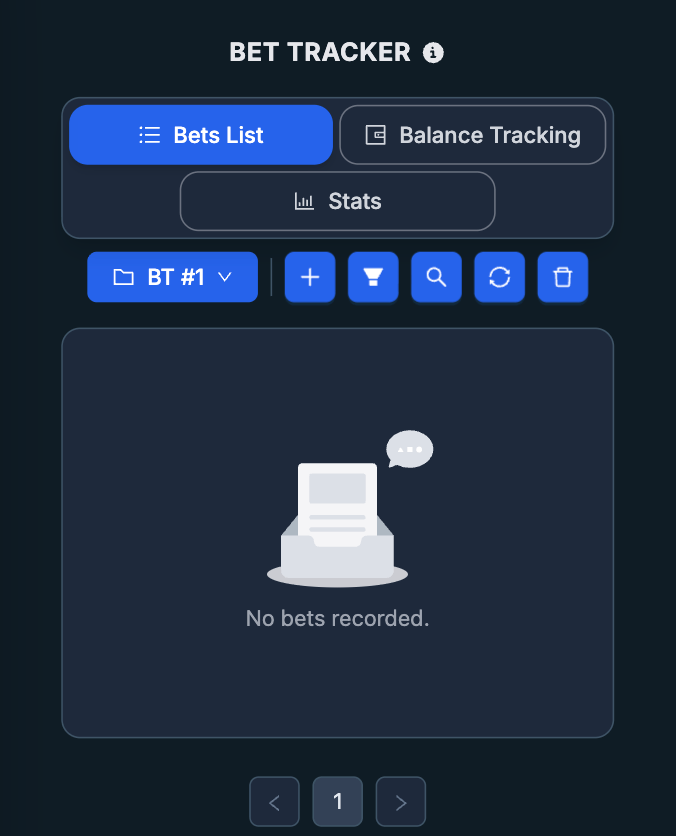
Open the Bet Tracker from the side menu, or via the corresponding icon in the top right corner. At the top of the tool you will see three main tabs:
- Bets List
- Balance Tracking
- Stats
2. Choose the Group
Use the group selector to choose where the bet or transaction should be recorded.
3. Record Deposits and Withdrawals
Use the Balance Tracking tab to record deposits and withdrawals, so the account balances shown in the tracker match your real accounts.
4. Add the Bet
Save a bet directly from a NinjaBet tool.
5. Review the Saved Entry
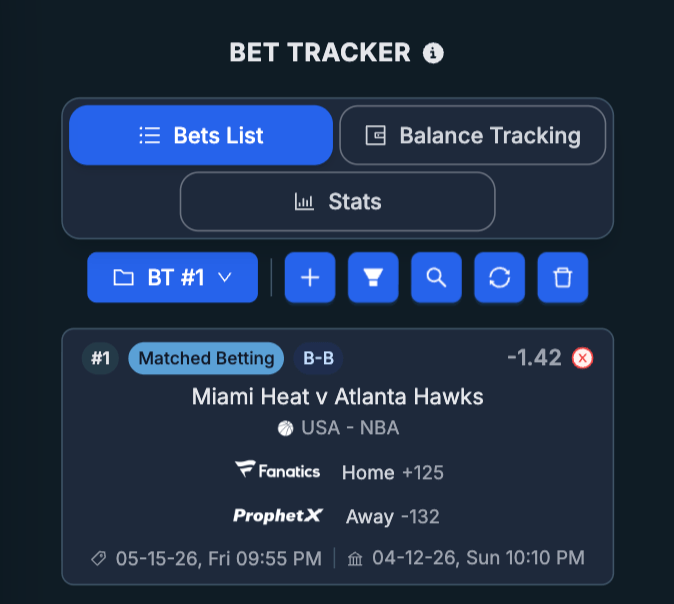
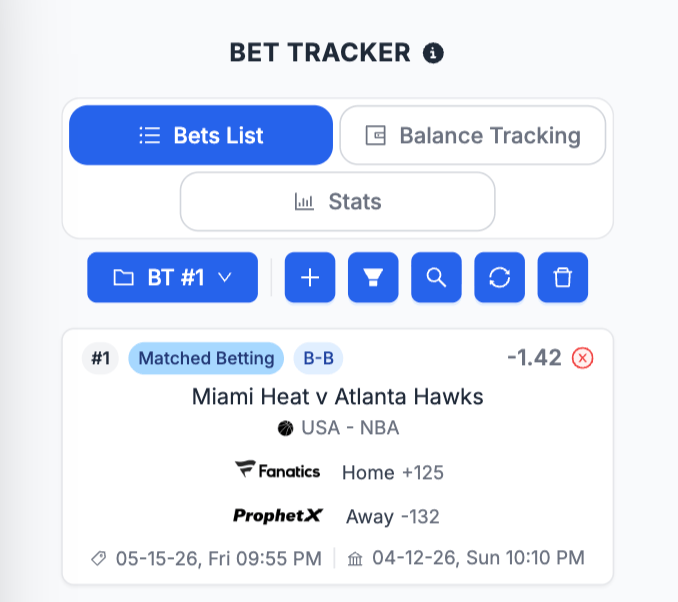
Once saved, the bet appears in the Bets List. Check that the main details are correct, especially:
- Category.
- Type.
- Stake.
- Odds.
- Sportsbook or ProphetX.
- Event and selection.
6. Settle the Bet
When the event finishes, open the bet and settle it. The Bet Tracker then updates:
- The final profit or loss.
- The bet status.
- The related balances.
- The Stats dashboard.
7. Review Your Results
Use the Stats tab to analyze:
- Today’s profit.
- This month’s profit.
- Last month’s profit.
- Total profit.
- Monthly performance.
- Daily profit patterns.
- Results by category.
Groups
Groups let you organize your activity into separate workspaces. Each group keeps its own entries and balance view separate from the others. This makes the tracker easier to read and the Stats more useful.
When more than one group exists, the tool can also show an All view, allowing you to review the combined picture across every group.
You can manage groups from the group menu. Because groups are tied to the entries saved inside them, you should be careful before deleting one.
Categories and Bet Types
Categories
The available categories include:
- Matched Betting
- SureBet
- ValueBet
- Casino
- Trading
- Other
Matched Betting Bet Types
For Matched Betting, the available bet types include:
- Single — a single bet.
- B-B — one bet covered with an opposite bet at another sportsbook.
- B-B-B — three bets used to cover all available outcomes in a three-way market.
- Parlay — a multi-selection bet, such as the sportsbook parlay created through the Parlay Finder.
- Simple — a quick entry used to record a profit or loss directly, without entering the full details of a structured bet.
SureBet Bet Types
For SureBet, the available bet types include:
- B-B — one bet covered with an opposite bet at another sportsbook.
- B-B-B — three bets used to cover all available outcomes in a three-way market.
- Middles — two bets placed on different lines of the same event.
- Straight — a single bet.
- Parlay — a multi-selection bet.
- Simple — a quick entry used to record a profit or loss directly, without entering the full details of a structured bet.
ValueBet Bet Types
For ValueBet, the available bet types include:
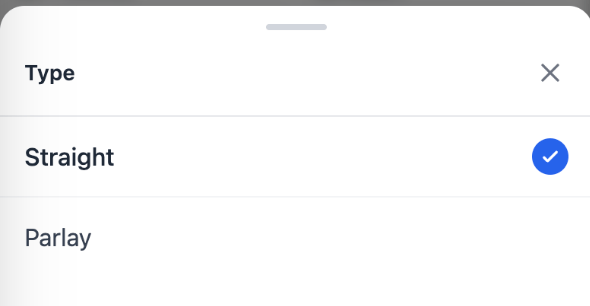
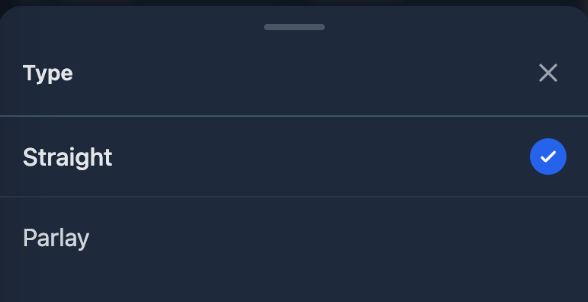
- Straight — a single bet.
- Parlay — a multi-selection bet.
Adding Bets from Other Tools
You do not always need to add bets manually. Several NinjaBet tools can send the relevant betting data directly to the Bet Tracker.
Bet Finder
When you use the Bet Finder for a sportsbook-to-sportsbook hedge, the relevant bets can be saved into the Bet Tracker.
Parlay Finder
The Parlay Finder requires special attention because the parlay operation is managed in steps.
The parlay bet and the hedge bets are saved separately:
- The parlay placed at the sportsbook should be recorded.
- Each hedge bet placed leg by leg should also be recorded separately.
This matches the actual flow of the Parlay Finder and keeps the Bet Tracker aligned with the bets that were really placed during the operation.
Calculator
When you use the Calculator, some bet details may need to be completed manually before adding the operation to the Bet Tracker, such as the event, market, selection or sportsbook information.
SureBet Finder
When you use the SureBet Finder, the tool helps you find sportsbook combinations where all possible outcomes can be covered with a positive return. After placing the bets, record the operation in the Bet Tracker so you can track stakes, profit, balances and results.
ValueBet
When you use the ValueBet, the tool helps you find bets where the sportsbook odds are higher than the estimated fair value. After placing the bet, record it in the Bet Tracker so you can track the stake, odds, sportsbook, result and long-term performance. This is especially important for ValueBet because one individual result does not tell you much. The real value of the strategy is measured across many recorded bets over time.
Adding a Bet Manually
To record a bet manually, open the Bets List tab and click Add.
The form asks for the information needed to describe the operation correctly. Depending on the category and type selected, this may include:
- Group.
- Category.
- Bet type.
- Creation date of the bet.
- Event date and time.
- Sport, competition and event.
- Market and selection.
- Sportsbook or ProphetX.
- Odds and stake.
- ProphetX commission (2% on net winnings), where applicable.
- Optional notes.
- Expected profit.
The exact fields shown can change depending on the kind of bet or operation you are adding. A Matched Betting operation may require sportsbook and ProphetX information, a SureBet may require two or three bets across different sportsbooks, a Middle may require two overlapping lines, and a ValueBet may require only one sportsbook bet.
Before saving, make sure the details match the bet that was actually placed. Accurate data at this stage makes the Balance Tracking and Stats much more reliable later.
Settling Bets
A saved bet remains pending until you record the final result.
When the event finishes:
- Open the bet from the Bets List.
- Choose Settle Bet.
- Select the final outcome, such as Bet Won or Bet Lost.
- Review the payout amounts shown in the settlement form.
- Confirm the settlement.
If the bet was saved from another NinjaBet tool, the relevant payout values are already stored and automatically shown during settlement. You should simply check that they still match the real result, adjust them only if necessary, and then confirm the settlement.
The settlement form also shows:
- The Expected Profit calculated when the bet was originally saved.
- The Actual Profit based on the final outcome and the payout values used at settlement.
Once the bet is settled, the Bet Tracker:
- Calculates the final profit or loss.
- Updates the relevant balances.
- Marks the entry as settled.
- Includes the result in the Stats dashboard.
If you spot a mistake after settlement, you can edit the entry and correct it rather than leaving inaccurate data in the tracker.
Searching, Filtering and Reviewing Bets
As your Bet Tracker grows, the Bets List becomes more useful when you take advantage of its filters and search tools.
You can use these controls to quickly find:
- Pending bets.
- Settled bets.
- Entries from a specific category.
- Bets linked to a particular sportsbook or ProphetX.
- Bets related to a specific event or note.
- Entries from a particular date range.
- Specific Matched Betting, SureBet, Middle or ValueBet activity.
This is especially helpful when you need to:
- Settle several completed bets.
- Review a specific promotion.
- Check a sportsbook account.
- Investigate a profit or loss shown in the Stats tab.
Keeping the Bets List well organized makes the Bet Tracker much easier to use over the long term.
Balance Tracking
The Balance Tracking tab helps you understand how much money is currently held across your sportsbooks and ProphetX.
It combines:
- Manual balance movements, such as deposits and withdrawals.
- Bet-related movements, such as stakes and settlement effects.
The balance area allows you to:
- Review the overall balance.
- Focus on a specific sportsbook.
- See the effect of betting activity on each account.
- Compare the tracker with the real balances shown in your betting accounts.
This is particularly useful because profit and available balance are not the same thing. You may have open bets that are still pending, funds temporarily locked in unsettled bets, or recent deposits and withdrawals that affect the cash available in each account.
The Balance Tracking tab gives you a more complete view of your current position.
Recording Deposits and Withdrawals
To record a deposit or withdrawal, open the Balance Tracking tab and click Add.
Enter the required information, such as:
- Group.
- Sportsbook or ProphetX.
- Transaction type.
- Amount.
- Date.
- Optional notes.
Record:
- Deposits when you add money to a sportsbook or ProphetX.
- Withdrawals when you move money out of one of those accounts.
Once saved, the transaction becomes part of the balance history and updates the related account totals.
It is good practice to record these movements immediately. If deposits and withdrawals are missing, the Balance Tracking tab will eventually stop matching your real accounts.
Stats
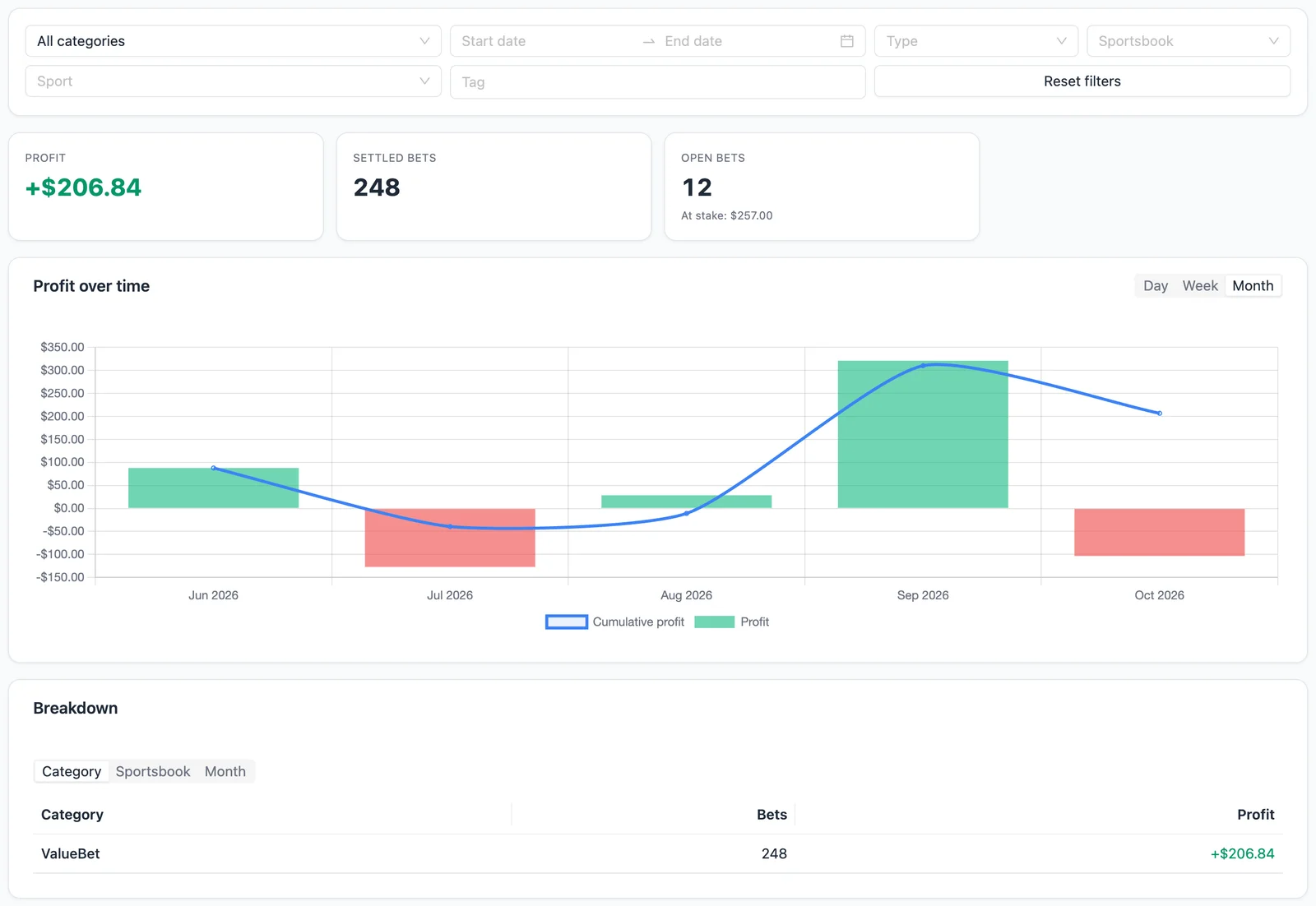
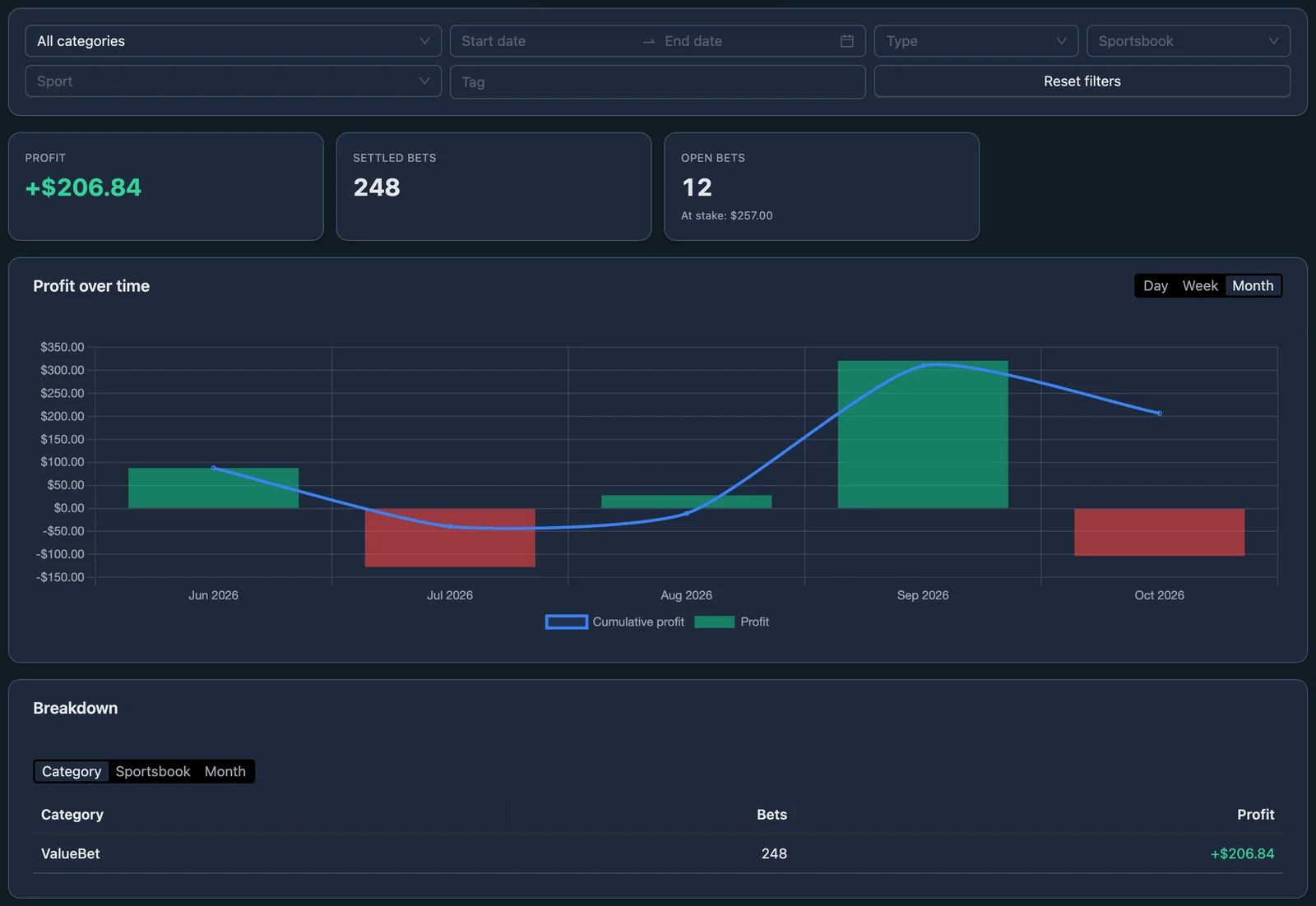
The Stats tab gives you a long-term view of your performance.
Profit Summary
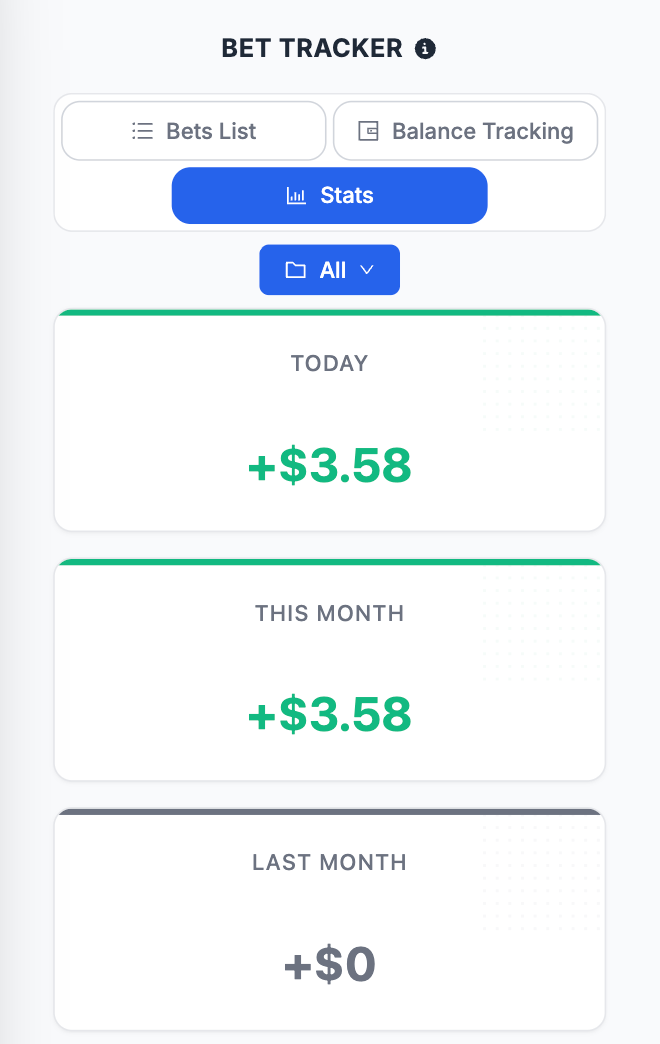
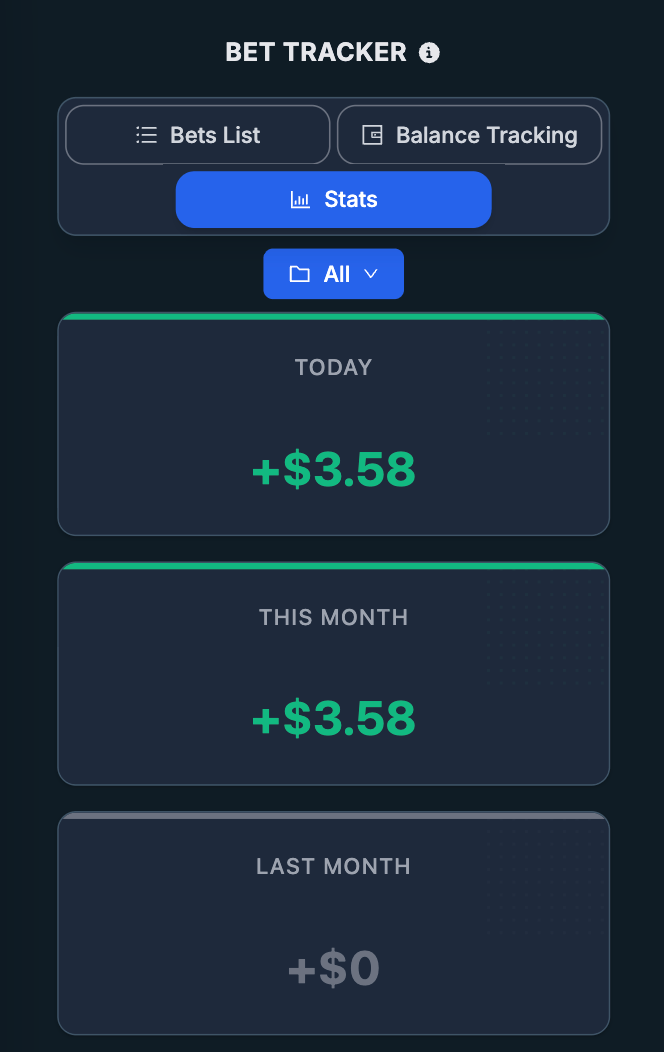
At the top of the page, the summary cards show:
- Today
- This month
- Last month
- Total profit
These cards give you a quick snapshot of how your activity is performing.
Profit Over Time
The profit chart shows how your cumulative results develop over time. This is useful for understanding whether performance is improving, stable or becoming more volatile.
Monthly Profit
The monthly area helps you compare results across different months and identify stronger or weaker periods.
Monthly Results by Category
The monthly table separates performance by category, such as:
- MB.
- SB.
- VB.
- Casino.
- Trading.
- Other.
This makes it easier to understand which areas of your activity are producing the strongest results.
Daily Profit Calendar
The daily calendar shows profit by date, helping you spot:
- Strong days.
- Weak days.
- Clusters of activity.
- Periods with little or no recorded betting.
The Stats tab follows the selected group, so you can analyze one activity separately or view the overall picture.
Editing and Deleting Entries
You can edit saved entries when something needs to be corrected.
This is useful if:
- The wrong stake or odds were entered.
- A note needs to be updated.
- A sportsbook recalculates or voids a bet.
- A bet was settled incorrectly.
- A deposit or withdrawal was recorded with the wrong amount.
You can also delete entries when they should not exist at all. However, deletion should be used carefully because removing an entry can also affect the balances and historical statistics.
When possible, prefer editing an incorrect entry rather than deleting it and starting again. This keeps the Bet Tracker more stable and reduces the risk of accidentally removing useful information.
Example
Suppose you place a standard Matched Betting back-to-back operation, covering your sportsbook bet with an opposite bet at another sportsbook.
You:
- Open the Bet Tracker.
- Select the group where you want to record the operation.
- Click Add in the Bets List, or save the operation from the Bet Finder.
- Choose Matched Betting as the category.
- Choose the correct operation type, such as B-B.
- Enter or review the event, selection, sportsbooks, stakes and odds.
- Save the bet.
- The entry appears in the Bets List as pending.
- When the event finishes, open the entry and settle it.
- The Bet Tracker calculates the final result and updates:
- the bet status;
- the balances;
- the Stats dashboard.
Important Checks to Keep the Bet Tracker Accurate
Before relying on the Bet Tracker results, always make sure that:
- The bet was saved in the correct group.
- The correct category was selected.
- The bet type matches the operation actually placed.
- Stakes and odds are correct.
- The sportsbook or ProphetX is correct.
- The bet is settled once the result is known.
- Deposits and withdrawals have been recorded.
- Parlays and hedge bets have been saved separately.
- Entries are edited when mistakes are found rather than left inaccurate.
The Bet Tracker is only as reliable as the information recorded inside it. Keeping it updated turns it into a precise record of your betting activity and your actual performance.
Final Summary
The Bet Tracker is the tool you use to record, monitor and analyze your betting activity across the NinjaBet platform.
To use it correctly:
- Open the Bet Tracker and select the right group.
- Add every bet when it is placed, either manually or from another NinjaBet tool.
- Choose the correct category and bet type.
- Settle each bet once the final outcome is known.
- Record deposits and withdrawals in Balance Tracking.
- Use the Stats tab to review performance over time.
Used consistently, the Bet Tracker gives you a clear, reliable and complete view of your betting activity, your balances and your long-term results.
What's new in September 2026
In the first month of the new NinjaBet the Bet Tracker changed a lot and became a product of its own.
- Your sportsbooks and prediction markets: Manage my sportsbooks and Manage my prediction markets add the ones we do not list.
- Sports Betting: a new category for regular bets, with the sport.
- Stake type: mark every stake as Cash, Bonus, Bonus Bet or Cash + Bonus; with Bet Tracker Pro also Tags on every bet.
- 52 currencies, including 10 cryptocurrencies, with a Base currency in the Settings; bets in other currencies need Bet Tracker Pro.
- Import and Export as CSV or XLSX, from a computer.
- Advanced analytics: ROI, win rate, average odds, streaks and breakdowns.
- More order: monthly totals in collapsible sections, the profit in the site header and a flag on ended bets not settled yet; 4-, 5- and 6-outcome back-back bets from the Calculator arrive with the right winnings.
Bet Tracker Pro: every Premium plan includes the full tracker at no extra cost. Free accounts keep it with limits (30 new bets a month, 100 saved, one group, 3 custom sportsbooks); no bet is deleted. Alone it costs $4.99 a month or $39.99 a year: What is Bet Tracker Pro?.